
Professional Trading Tools for
More Efficient Market Analysis
Explore practical software for MetaTrader 4 and MetaTrader 5, Developed to help traders monitor markets, organize analysis, automate selected tasks and manage their trading workflow more efficiently.
Everything You Need in One Place
Welcome to the Auto Trade Tools product catalog. This page brings together our available trading products so you can compare solutions and quickly find the tool that best matches your workflow.
Our collection is intended for traders who want to reduce repetitive work, review several markets more efficiently, improve chart organization or add useful analytical functions to MetaTrader. Depending on the selected product, the software may support market monitoring, chart analysis, notifications, trade management or strategy automation.
Before choosing a product, open its individual page and review the supported MetaTrader version, features, installation requirements and usage notes. This helps you select a solution that is compatible with your platform and aligned with the way you trade.
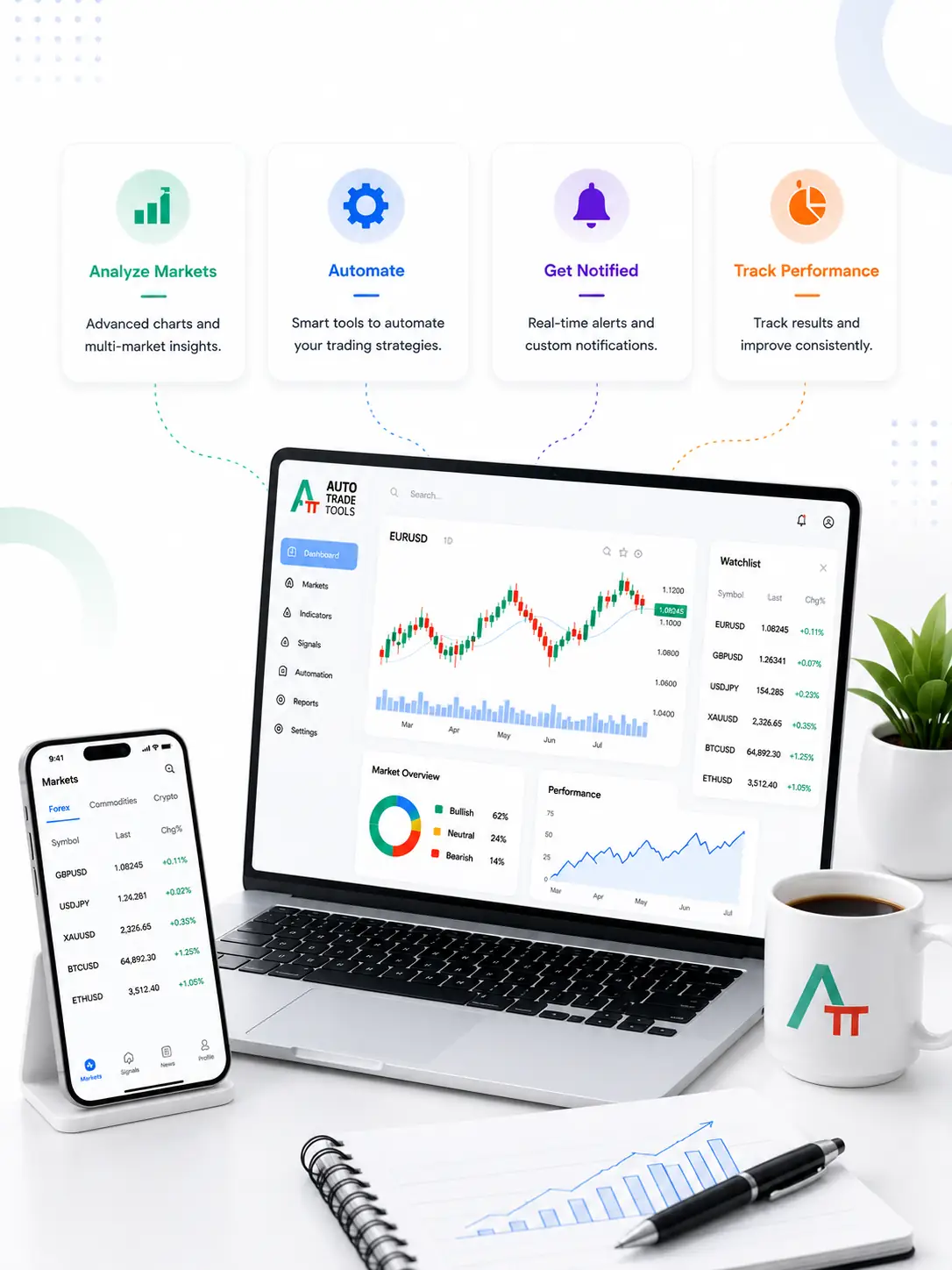
Explore Our Product Categories
Different tools solve different parts of the trading process. Use these categories to understand where each product may fit into your workflow.
Market Analysis
Scan and organize information across symbols or timeframes, identify notable market conditions and reduce the need to inspect every chart manually.
Expert Advisors
Use MetaTrader programs that automate selected trading or account-management tasks according to predefined settings and rules.
Technical Indicators
Add visual or numerical information to charts to support analysis of trends, momentum, volatility, levels and other market conditions.
Trading Utilities
Simplify routine platform operations, organize charts and improve the speed and consistency of your everyday trading workflow.
Browse All Trading Products
Compare the available products below. Open an individual product page for screenshots, detailed features, platform compatibility and installation information.























Why Choose Auto Trade Tools?
Our objective is to provide practical software that is understandable, useful and easy to integrate into a real trading routine.
Save Analysis Time
Reduce repetitive chart checks and organize relevant information more efficiently.
Practical Interfaces
Use clear controls and displays designed for everyday MetaTrader workflows.
Detailed Product Pages
Review features, screenshots and requirements before selecting a product.
Multiple Use Cases
Find tools for analysis, chart management, automation and trade-related utilities.
Ongoing Development
Products may be improved as platform requirements and trader needs evolve.
Customer Assistance
Contact the support team when you need help with product selection or setup.

Tools for Different Trading Styles
Trading workflows vary considerably. A day trader may prioritize fast multi-symbol monitoring, while a swing trader may focus on broader trend and timeframe analysis. Other users may need chart-management utilities, trade-management functions or software that automates a defined set of instructions.
Auto Trade Tools products can be useful to Forex, CFD, cryptocurrency and other MetaTrader users. The suitability of each tool depends on its individual specifications and your broker, platform and trading requirements. Always review the relevant product page before installation.
f.a.q.
You have questions. We have answers.
These answers provide general guidance. Product-specific information on the individual product page should take priority
Yes, All products are compatible with Metatrader 4 and Metatrader 5.
Many MetaTrader tools can work with a wide range of brokers, but compatibility may depend on symbol names, account type, server configuration and platform limitations.
No, users do not need to write code to operate a finished indicator, Expert Advisor or utility. You should understand the settings and test the software carefully before using it on a live account.
Several tools can be useful to beginners, especially products designed to organize information or simplify platform tasks. New traders should read the documentation and begin with a demo account where appropriate.
Yes, you can install it on as many computers as you like. The only limitation applies to the number of trading accounts registered in your activation panel. More details about installing and activating a product is available here.
Identify the task you want to improve: scanning markets, analyzing charts, receiving alerts, managing trades or automating rules. Then compare the products in that category.
Yes, updates are free on all products.
Yes. You can find all the details on our Product Verification Page.
Support may include help with installation, activation and product usage. Simply leave a comment on the product page or submit a support ticket.
Absolutely! We truly value the ideas and feedback of our users. If you have a suggestion, feature request, or improvement idea, simply leave a comment on the product page or submit a support ticket. Ideas that benefit the wider trading community will be reviewed and considered for future updates. For more specific or personalized needs, we offer custom development exclusively tailored to your requirements.
 to be a light for all traders.